The advent of the Internet has opened up new avenues of information. Kids nowadays rely on the web to gather educational resources and conduct activities like project submission or online classes. But along with the good side of the Internet, they are also exposed to the dark side which leaves them vulnerable to cyberbullying, watching aggressive or offensive content, or meeting potentially harmful strangers.
And it wouldn’t be a good idea to isolate them from the internet by simply quoting these possibilities. I certainly won’t recommend it as it can potentially limit their growth and learning abilities. Instead, one can opt for a parental control app that allows kids to browse the Internet for useful tasks but also lets parents keep an eye on their activities. There are several parental control apps available but theFamisafe appis a complete package that offers a plethora of options.

FamiSafe: A Parental Control App For Android, iOS, And Desktop
FamiSafe app gives parents/guardians full control over a kid’s smartphone and how they use it. Using this parental control app, you may track their location and get notifications on the entry and exit timings of a particular place like home or school. The app also lets you restrict their phone usage. For instance, you can bar its usage during study time or prevent them from using certain apps and viewing specific types of content on the internet.
The best part is that you can do all of this remotely from an easy to use dashboard on your smartphone or desktop.

Simple And Clean UI
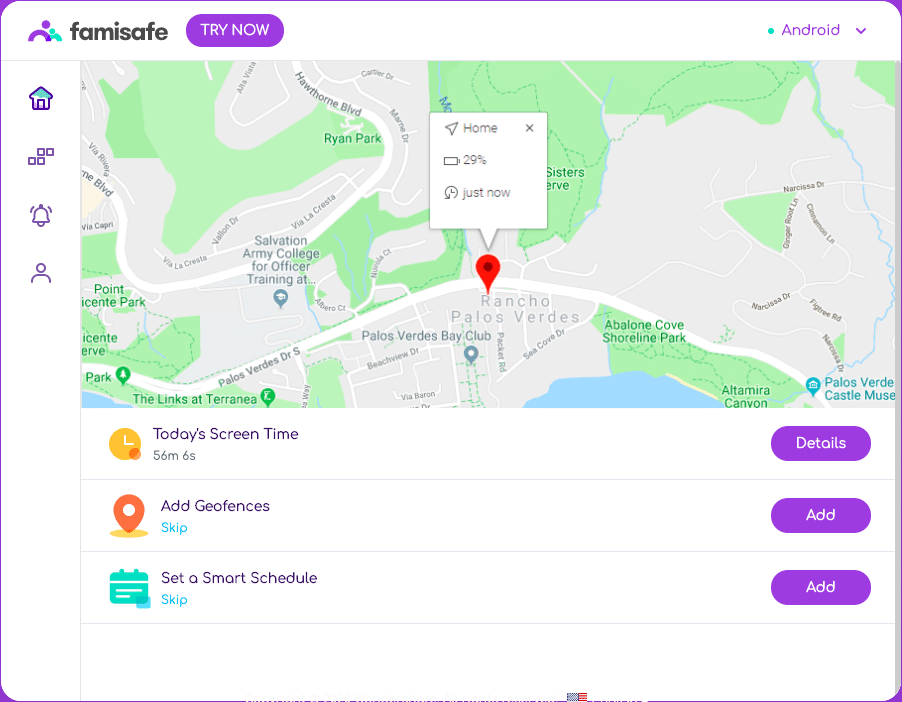
The user interface of Famisafe is pretty clean and easy to use. There are 4 major sections in it left sidebar. Firstly, there is the Home icon which lists down the most important features right on top, that is, Screen Time, Geofence, and Smart Schedule.
Below the Home icon, you’d find the S-shaped Tetris icon which contains all the features in one place (refer to the below section for a detailed explanation of all the features). The third and the fourth icon opens up the Notification and Settings section respectively.
Features Of Famisafe App
Now let’s take a closer look at the major sections and their features in Famisafe app:
The following are the Control features that lets you define how and when the kids can use their smartphone:
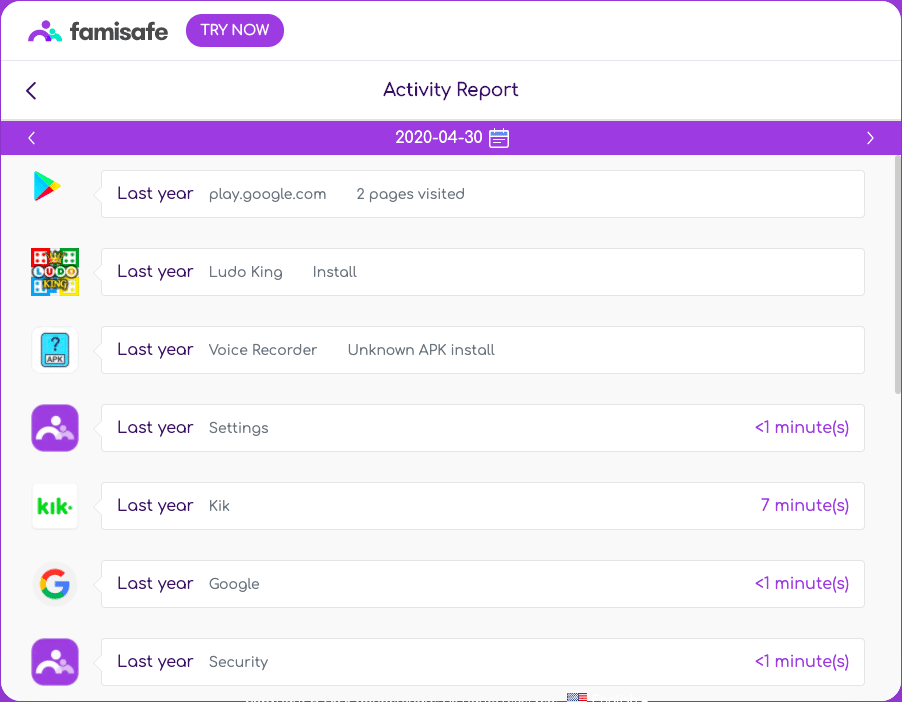
Activity Report
Browser History
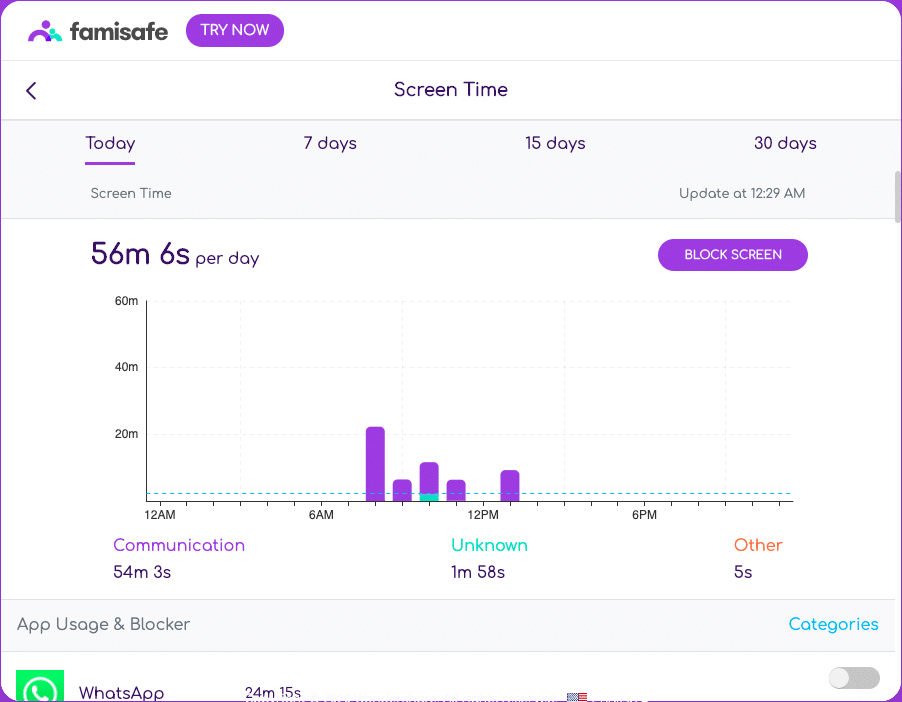
Screen Time
Web Filter
Smart Schedule
YouTube App Control
This section gathers GPS data of the device.
Real-time Location
Location History
This section gives instant alerts on suspicious content. Famisafe can detect disturbing content on social media apps as well
Explicit Content Detection
Suspicious Photos
Pricing And Availability
Famisafe offers all the features in each of its premium plans. There are three different plans based on the number of month and devices you are subscribing for:
Famisafe app is available on bothiOSandAndroidas well asdesktop.
Keep Your Kids Safe With Famisafe!
Famisafe parental control app has the potential to ensure child safety, especially for working parents who can’t always be around. The most useful features are app blocking, web monitoring, and geolocation which can give you an insight on what your kid is facing every day. Here, Famisafe helps you understand and help them in a better way and it’s worth investing in this app.