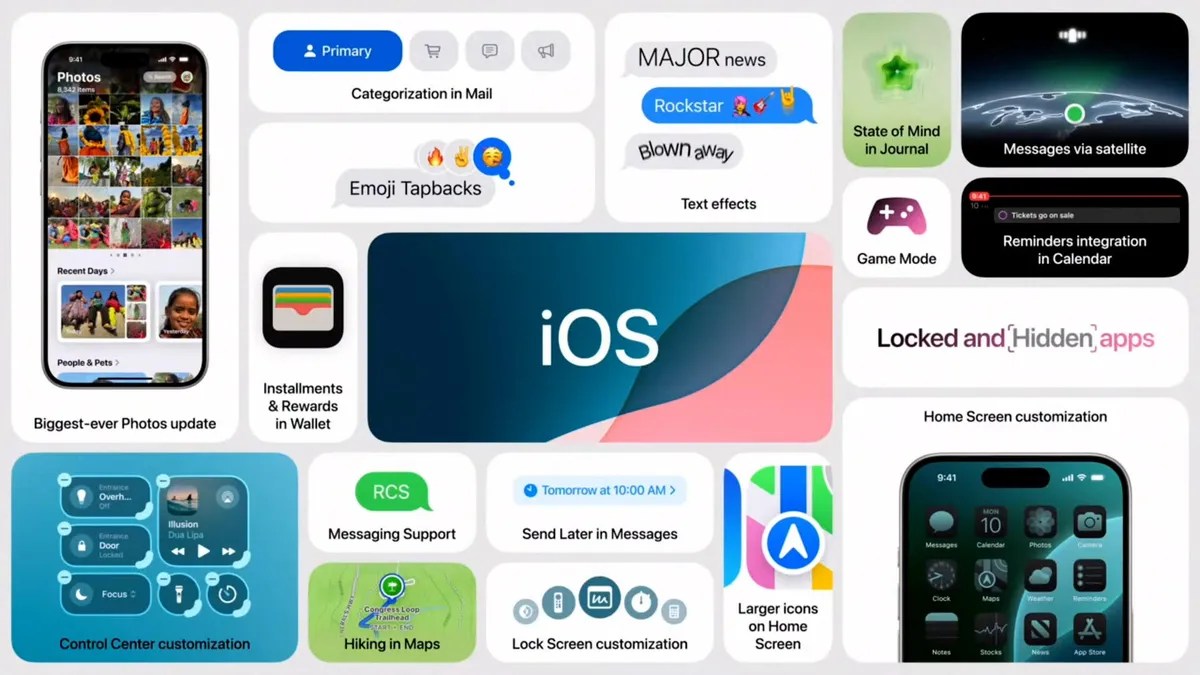
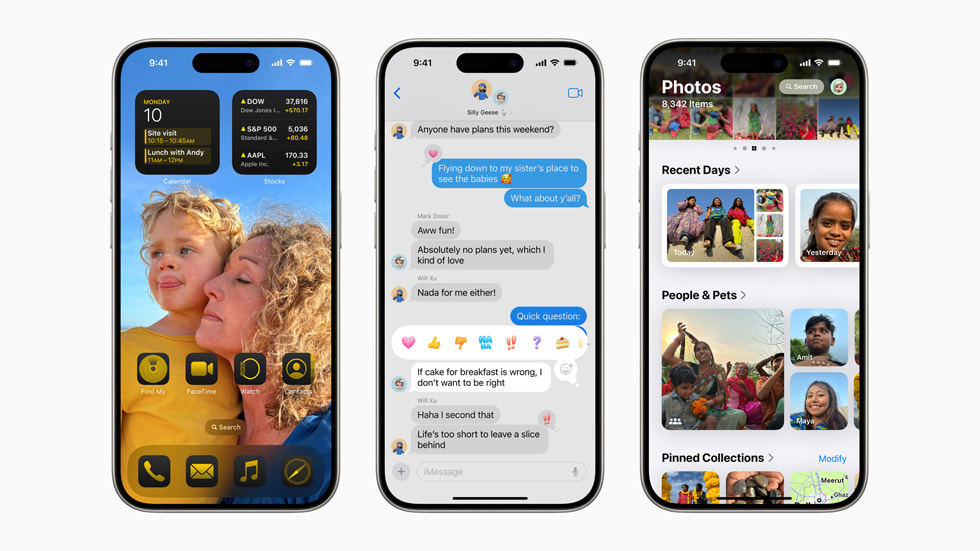
WWDC is one of the year’s biggest events, where Apple announces new versions of iOS and macOS. While we anticipated the company to focus on AI, iOS 18 is genuinely one of the most significant updates in recent years, bringing much-requestedfeaturessuch as home screen customization, updates to Siri, and AI.
Now, with Apple releasing the developer preview of iOS 18, you might be tempted to install the software and use the features before anyone else. If you are one of those individuals, you have come to the right place, as we will show you how to install iOS 18 on your iPhone.
Things to consider: iOS supported devices
Before we get started, there are a few things you should consider before installing the developer beta. Firstly, as it is the first version, there are bound to be bugs in the software that can hinder the user experience. Therefore, we recommend installing the software on your secondary phone. Speaking of phones, iOS 18 supports:
Additionally, you should back up all your files and photos. We also encountered a few issues while installing the iOS 18 beta, so this step is highly recommended.
How to Install iOS Developer Beta?
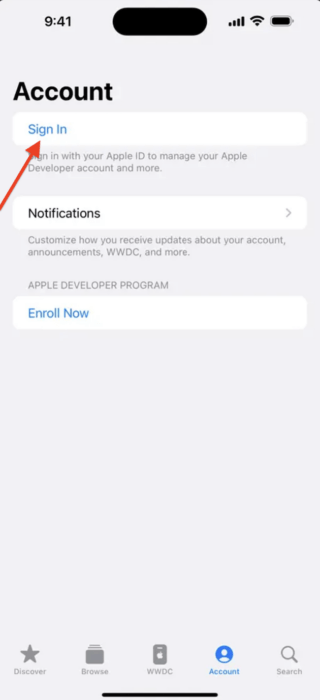
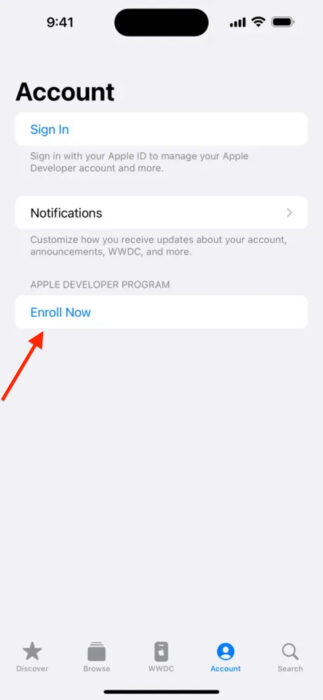
Before we get started, it is important to note that users need to be members of Apple’s developer program to install the iOS 18 beta. Although the program typically requires a $99 yearly subscription, you don’t need to pay to install iOS 18. All you need to do is enroll in the developer program, and the update will be visible. To get started:
Step 1: Enroll in Apple’s Beta Program
Thankfully, the process of enrolling in the beta program is simple and easy to follow:
Once enrolled in the developer program:
Fix: The update is not showing
If the iOS 18 beta update isn’t available to install after performing the above steps, you can try a few methods to fix this issue. Firstly, ensure you are running iOS 16.4 or later, as the update is only available to those users. Secondly, try relaunching the Settings app and restarting your phone. Finally, if none of the methods work, try enrolling in the developer program again.