After WhatsApp updated itsprivacy policiesand informed users of its new data collection practices and integration of data with Facebook, it has led to a host of people ditching the messenger app in favor of other privacy-focused apps.
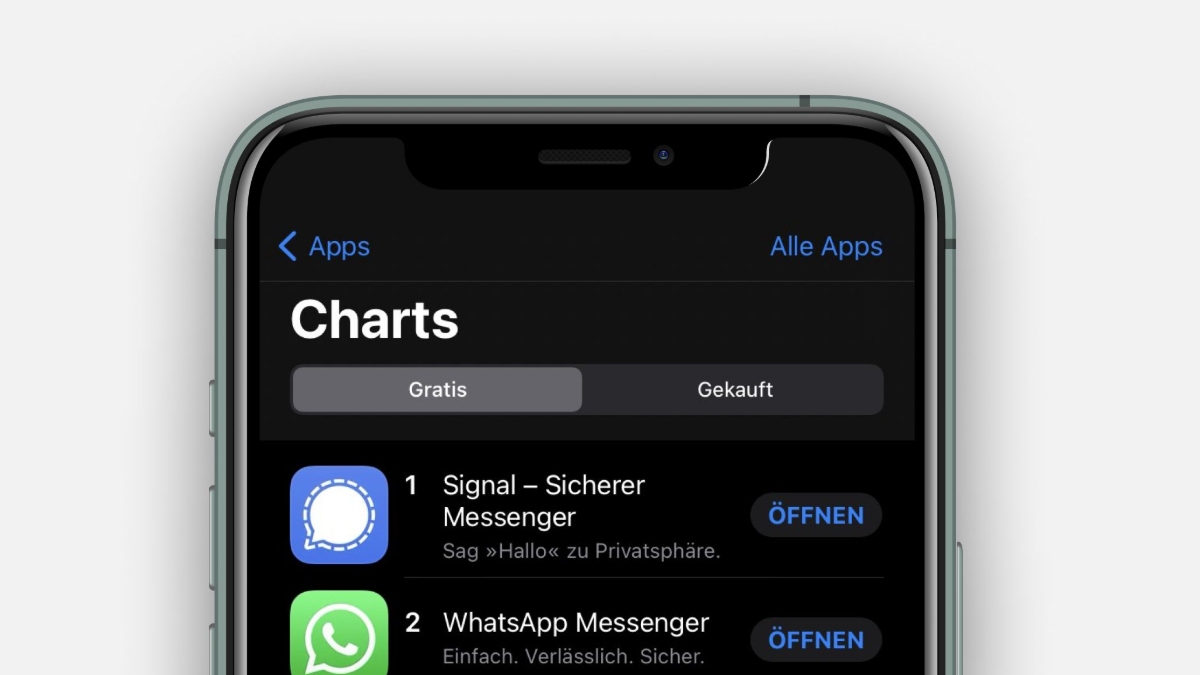
Signal is at the forefront ofWhatsApp alternatives, especially since Elon Musk vouched for it in a recent tweet.
Use Signal
Now, if you’re one of those who is planning to switch to Signal, you might want to take your WhatsApp groups to the new messenger app. To make the switch easier for users, Signal has added a functionality that allows you to transfer WhatsApp groups to it.
Here’s how you can move your WhatsApp Groups to Signal effortlessly. Note that this method won’t move your group chat to Signal as there is no method available for it yet.

Also Read:Facebook Messenger on Instagram Is The New Addition to “Super Sync”
A lot of people have been asking how to move their group chats from other apps to Signal, and Signal group links are a great way to get started. Drop a group link into your former chat app of choice like you’re dropping the mic on the way out.pic.twitter.com/q49DeZufBG
How To Transfer WhatsApp Groups To Signal?
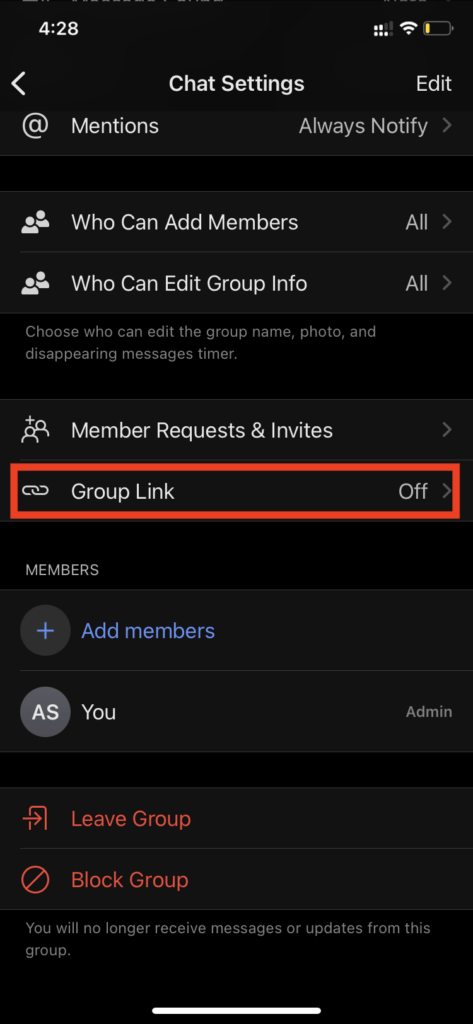
You can paste this link in other apps as well to invite friends to the group. Additionally, Signal offers you the option to turn off the shareable link in case you don’t want anyone else to join the group on the WhatsApp alternative.
Sadly, there is no option available yet to move WhatsApp group chats to Signal but we’re hopeful that we will see an option for the same in the near future.
