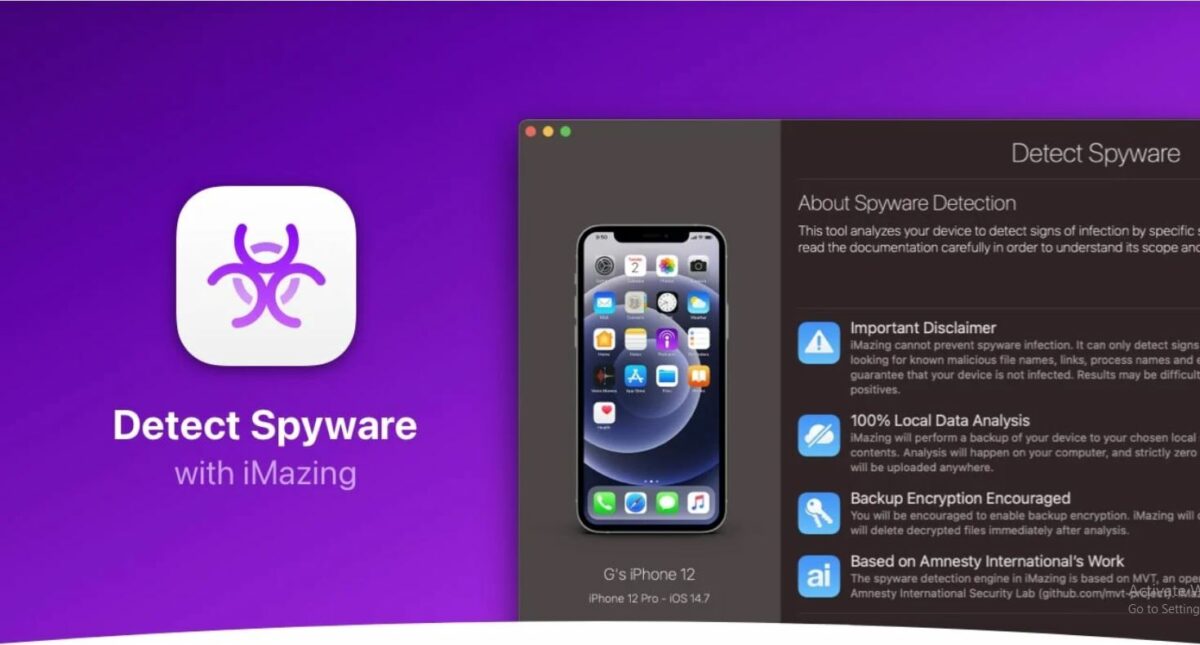
Just a couple of weeks ago,Pegasus spywaretook the world by storm. Reports of thespyware being used by governmentsto spy on people created panic among the residents with no solution. Until now, users could only useMobile Verification Toolkit (MVT)to check for Pegasus spyware. But using that requiress basic knowledge of the command line interface, which not every user is familiar with. However,iOS usersnow have the option to use the iMazing app’s spyware detector.
iMazing app is free of cost, but it only helps detect the spyware, not stop it. For that, check out our otherguideson how to stay safe from spyware like pegasus. The app also transfers files and data between iOS devices, macOS, and Windows computers. The app’s spyware detector examines the iOS device’s backup (new or existing) on a user’s Mac or PC. After the examination, it issues a report that could help users track Pegasus spyware on their device.
How to use iMazing spyware detector to check for pegasus spyware?
- Download and set upiMazingon your PC or Mac.
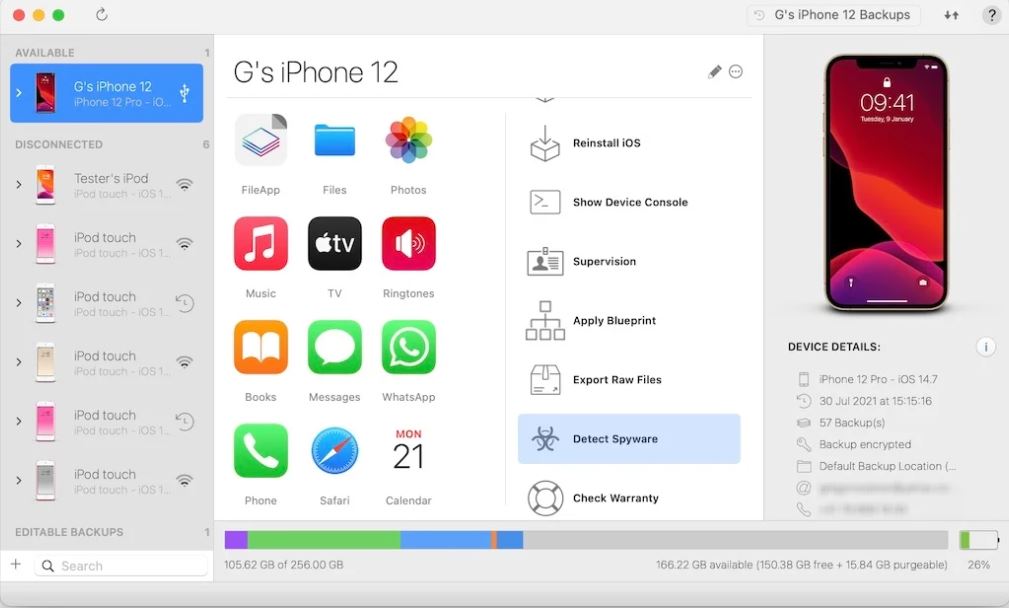
2.Connect your deviceto the iMazing app using USB or Wi-Fi.
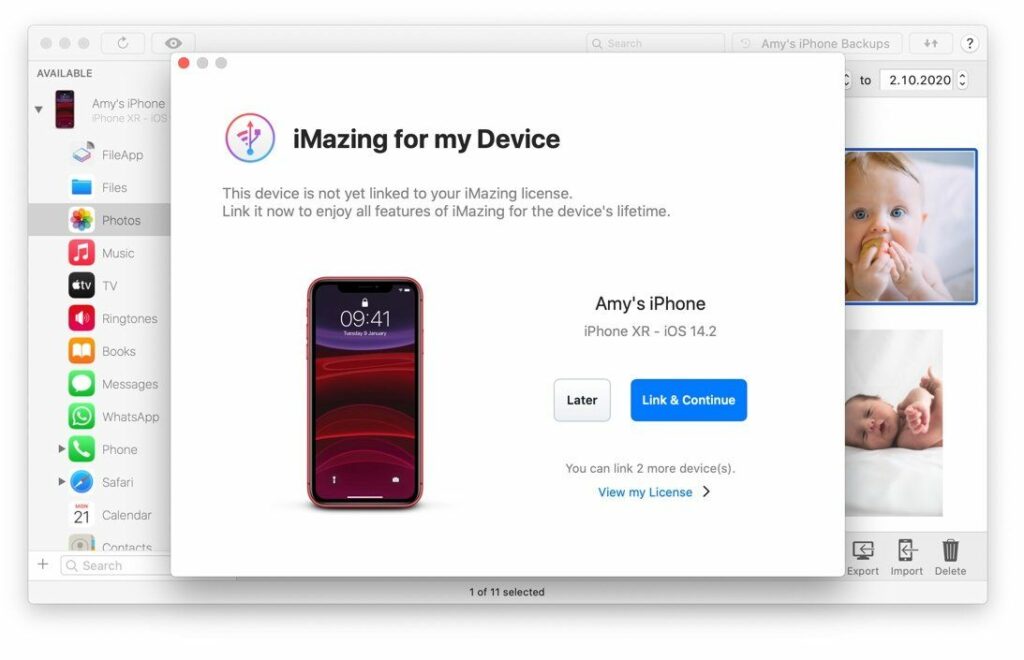
- Choose your device (iPhone or iPad) in the app’s sidebar.
4. SelectDetect Spywarefrom the iMazing tool list.
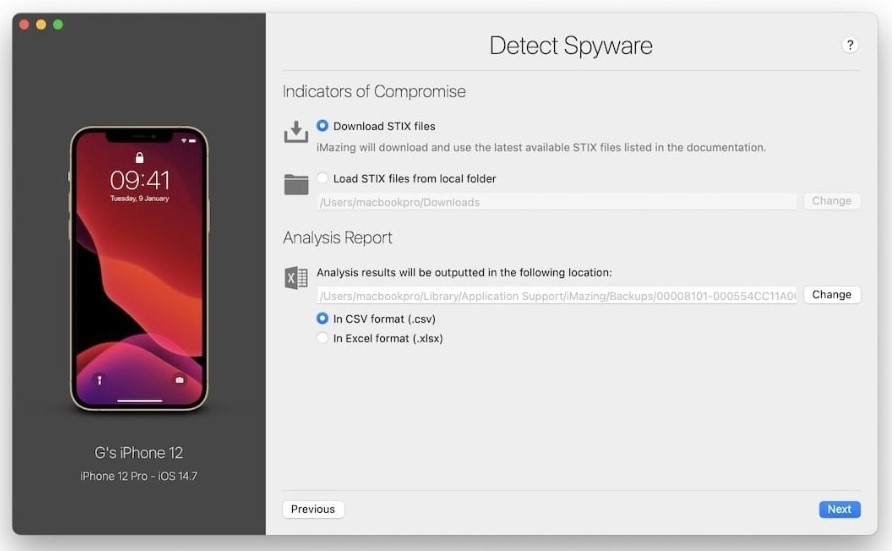
SelectDownload STIX files.Choose where you want theAnalysis Resultsto be saved and in what format. Then pressNext.
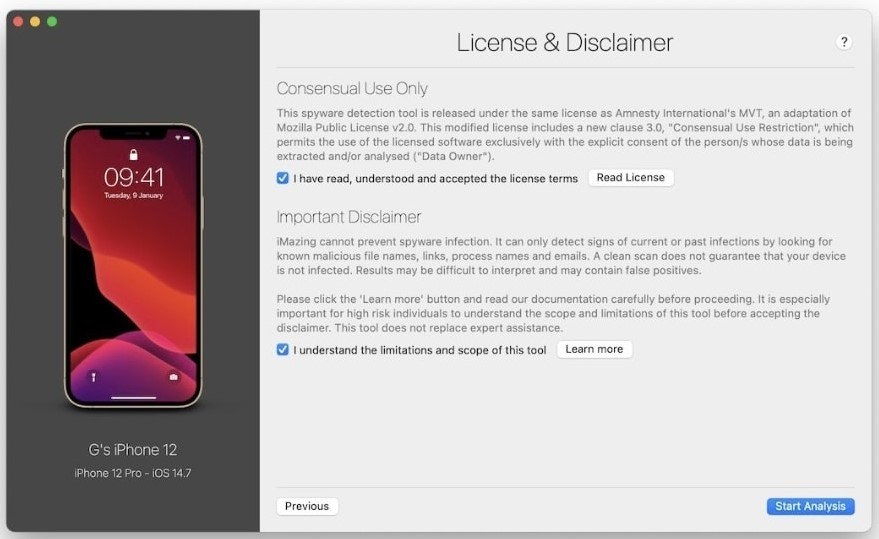
Check all the boxes and clickStart Analysis.
- This is what the iMazing spyware report looks like when showing positive signs of spyware activity.
The iMazing app is good for detecting all kinds ofspyware in iOS, not just Pegasus. It is a modified version of the MVT, which is much easier to use. However, it can’t get rid of the spyware or run a scan on jailbreak devices. However, you’re able to try following these instructions given by theNSA to protect your phone from spyware.