Unlock hidden tools in the new Samsung Galaxy S25 Ultra’s camera—pro features for creators, not just specs.
Let’s cut through the spec sheets and marketing buzz—the Samsung Galaxy S25 Ultra isn’t just another smartphone camera. It’s a creative Swiss Army knife-hiding tool that even seasoned photographers might overlook. Sure, the 200MP sensor and Space Zoom get the applause, but the real magic lies in features that feel like they were designed for creators, not just spec hunters. Let’s dive into the unsung heroes of this camera powerhouse.

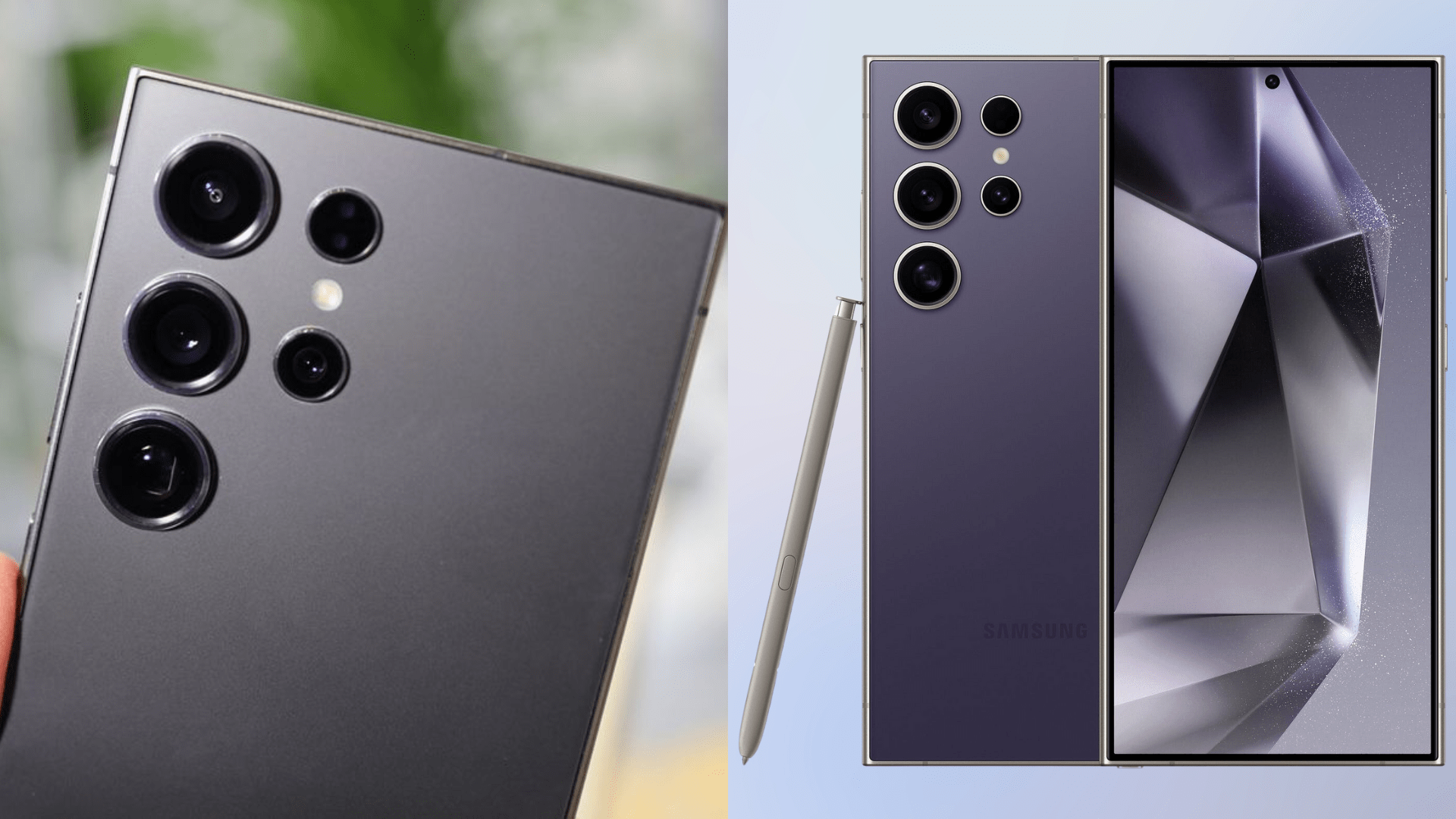
Samsung Galaxy S25 Ultra: Camera Specs
Before we geek out over the hidden gems, here’s the hardware foundation:
1. Pre-Record in Single Take Mode: Your Time Machine for Moments
Imagine this: Your kid finally takes their first step, but by the time you fumble to open the camera, the moment’s gone. EnterSingle Take Mode’s pre-recording. This sneaky little feature starts recording5 seconds before you even tap the shutter. It’s like having a camera that predicts life.
Pair it with theProVisual Engine—Samsung’s AI wizard that stabilizes shaky hands and silences noise—and suddenly, you’re not just capturing moments; you’re rescuing them from oblivion. Perfect for pet antics, skateboard fails, or that espresso machine finally deciding to work.

2. Dual 4K HDR: Two Cameras, One Phone, Zero Compromises
Why choose between a wide-angle vista and a tight close-up when you can film both? The S25 Ultra lets you shoot4K HDR video from two lenses at once. Picture this: You’re at a concert. One lens captures the crowd’s energy (ultrawide), while the other zooms in on the guitarist’s blistering solo (5x telephoto). All in10-bit HDR,whichmeans colors so rich they’ll make your Instagram followers weep.
Let’s talk about the Snapdragon 8 Gen 4 chip—the unsung hero behind the scenes. Imagine filming a sunset where the sky’s blazing orange, but your friend’s face is lost in shadow. Older phones would panic, blowing out the colors or turning everything into a murky mess. But the S25 Ultra’s Snapdragon chip? It’s like having a tiny lighting director in your phone. It balances those extremes on the fly, keeping skin tones natural and skies vibrant, even when you’re jumping from a dimly lit café to a sun-drenched street.

No more “wait, let me adjust the exposure” mid-shot—this chip does the heavy lifting so you’re able to focus on nailing the take.
3. Galaxy Log: For When You Want to Play Spielberg
Ever wondered how Netflix shows get those moody, cinematic vibes? They shoot in Log profiles—flat, desaturated footage that’s a blank canvas for color grading. The S25 Ultra’s Galaxy Log does exactly that. It’s like shooting RAW for video: shadows keep their detail, highlights don’t blow out, and you get to tweak the mood in the post (sunset? Make it neon punk!).
Pair this with 8K recording, and suddenly your smartphone footage looks like it’s from a camera that costs more than your rent. Indie filmmakers, meet your new best friend.

4. 50MP Macro Mode: See the World in Microscopic HD
Most phone macro modes are like squinting through a keyhole—tiny, cropped, and grainy. Not here. The S25 Ultra’s50MP ultrawide lensmoonlights as a macro beast, capturing eyelash-level details without cropping.
Think dewdrops on spiderwebs, the grooves in your vinyl records, or the texture of your morning croissant—all in jaw-dropping 50MP clarity. And withExpert RAW’s Virtual Aperture, you can tweak the background blur after shooting. It’s like having a DSLR in your pocket, minus the backache.
5. Direct-to-External Storage: No More “Storage Full” Panic
We’ve all been there: You’re filming your cousin’s wedding in 8K, and bam—your phone’s storage taps out. The S25 Ultra fixes this withdirect recording to external SSDs or USB-C drives. Just plug in an external drive, hit record, and wave goodbye to that dreaded “storage full” freak-out. Throw in the Spatio Temporal AI Filter (which, let’s be honest, is just Samsung’s way of saying “night videos that don’t look like potato quality”), and suddenly your phone feels less like a gadget and more like a film crew in your pocket.
Whether you’re shooting a gritty indie doc about urban beekeeping or your 17th TikTok tutorial on latte art, this combo keeps your footage crisp and your stress levels at zero. Bonus: Skip the tedious file transfers—edit straight from the drive.
The Bigger Picture: Why This Stuff Actually Matters
Let’s be real—most smartphone cameras are built for Instagram, not artistry. The S25 Ultra flips the script. ItsGalaxy AI suiteworks like a silent partner: fixing your shaky zoom, balancing HDR on the fly, and sharpening macro shots without turning them into a noisy mess. But here’s the kicker: It doesn’t replace your creativity—it enables it.
Samsung isn’t just selling a phone here. They’re handing you a toolbox—one that quietly bridges the gap between “casual snap” and “pro-grade masterpiece.” And in a world where everyone’s glued to screens, that’s not just innovation. It’s permission to see the world differently.
So go ahead—shoot that 50MP macro of your morning coffee. Grade that Galaxy Log footage into something moody. The S25 Ultra isn’t just keeping up with your ideas; it’s daring you to have better ones.
Looking For More?
Thank you for reading the article. We provide the latest news and create guides for Baldur’s Gate 3, Starfield, ARK Survival Ascended, and more. Also, watch Deltia play games onTwitchor visit hisYouTubechannel!
